For IT leaders rolling out Copilot
SharePoint Data Governance for AI Adoption
Knowing the risk is the easy part. Closing it before Copilot goes live is the work.
An AI-ready SharePoint isn't the result of a one-time cleanup. It means knowing who can reach what, deciding what Copilot should and shouldn't see, and keeping it that way while content keeps growing.
- Assessment and report within 3 weeks
- Starts with a 30-minute conversation
- Law 25 and PIPEDA mapped before rollout
Why it matters
Copilot makes SharePoint governance urgent
Microsoft 365 Copilot respects SharePoint permissions. That is exactly the problem: it can surface anything a user is technically allowed to open, and in most tenants that is far more than anyone intended. A single prompt can summarize a salary spreadsheet or a board deck that was shared too broadly years ago.
Before Copilot
Overshared files stayed buried because nobody knew where to look.
With Copilot
Copilot knows where to look.
Permissions become search results
Every broken inheritance, org-wide link and stale guest account turns into content Copilot can quote back.
Old content becomes the answer
Copilot can't tell the approved policy from the 2019 draft. Whatever it finds first shapes the response.
Every organization is now in scope
With licensing open to organizations of all sizes, smaller IT teams are rolling out AI on tenants that were never governed for it.
Warning signs
Signs your SharePoint isn't AI-ready
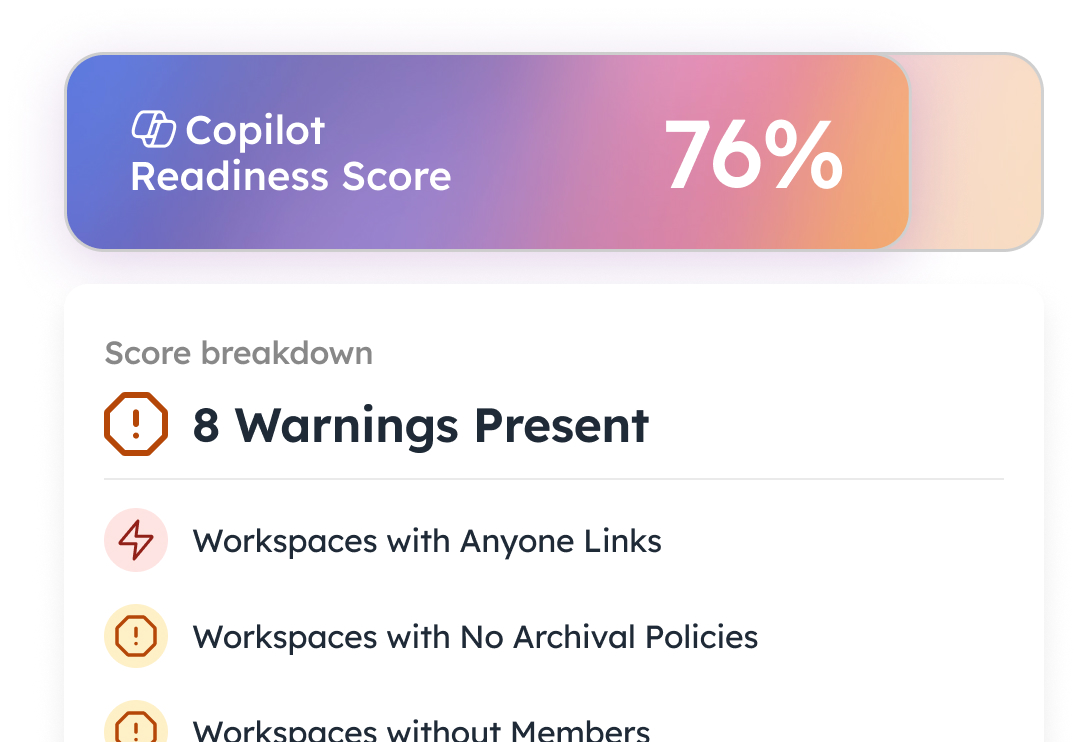
These are the issues Copilot surfaces first, and the ones we find in almost every tenant we assess.
Oversharing
Anyone and org-wide links put sensitive files one prompt away from any employee.
Stale content
Outdated drafts and abandoned sites become the “source” behind AI answers.
Orphaned workspaces
No owner means no one reviewing who has access, or why.
Missing labels
Without sensitivity labels, Copilot can't tell confidential from casual.
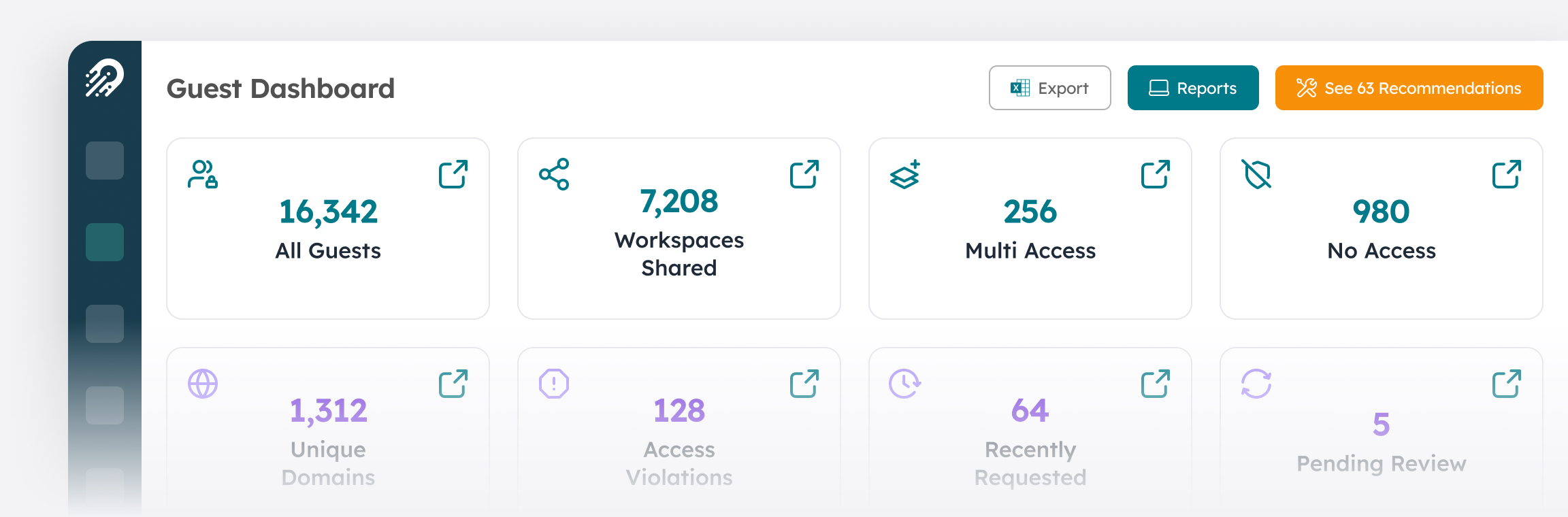
What it looks like in the dashboard
Readiness check
How ready is your tenant?
Tick each item that's already true for your SharePoint. It takes two minutes and shows where to start before licences go live.
What you already own
Microsoft tools that help
Much of the tooling you need is already in your licences. The work is configuring it in the right order.
SharePoint Advanced Management
Included with Microsoft 365 Copilot licences. Adds oversharing reports, access controls and site lifecycle policies to the SharePoint admin centre.
Data Access Governance reports
Identify sites with the most sharing links, org-wide permissions and sensitive content, so remediation starts where risk is highest.
Restricted Access Control
Limit a site to members of a specific group, even if files inside were shared more broadly.
Inactive site and ownership policies
Automatically notify owners of dormant or ownerless sites and route them to archive or review.
Microsoft Purview sensitivity labels
Classify and encrypt content, and stop Copilot from processing files with your most restrictive labels.
Restricted Content Discovery is not a permissions fix
It hides flagged sites from Copilot and organization-wide search, but everyone who had access still has it. Use it as a short-term safeguard while you clean up permissions, not as a substitute.
How we help
From assessment to governance that runs itself
We help you assess, remediate, and then automate, so the tenant you clean up before Copilot stays clean after it.
- 1Step 1
Assess
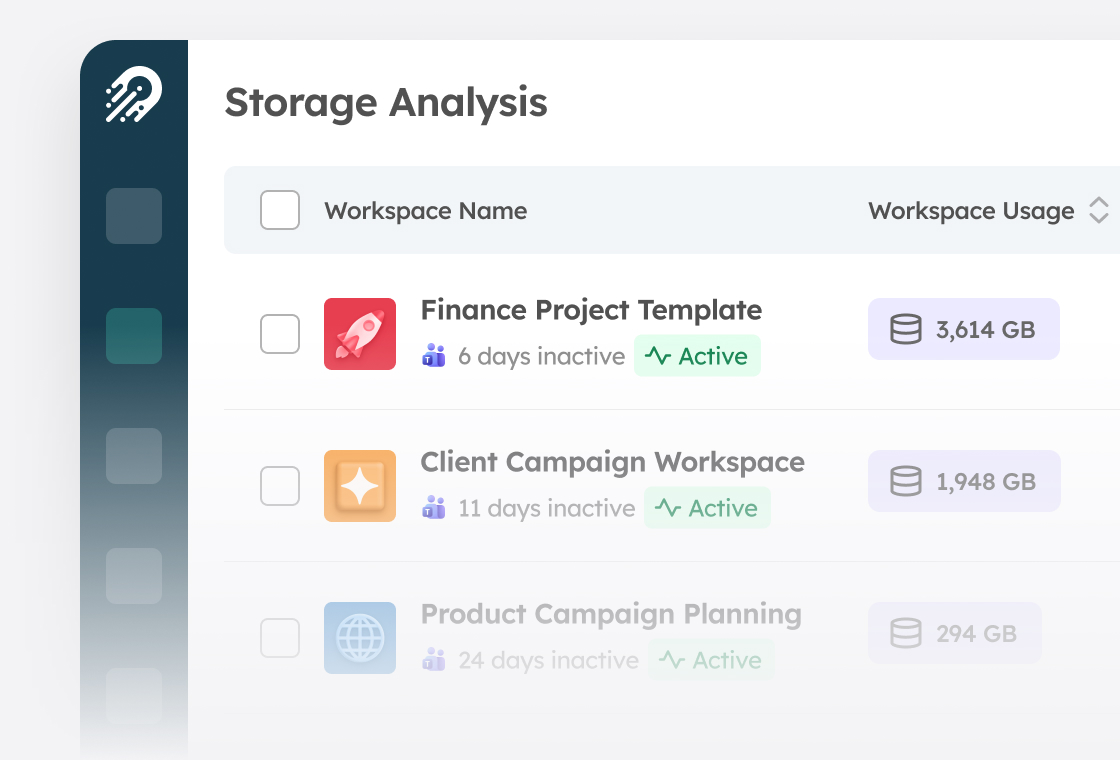
We baseline every workspace, from sharing links and guest access to storage and ownership, and deliver a prioritized report within 3 weeks.
AI Assessment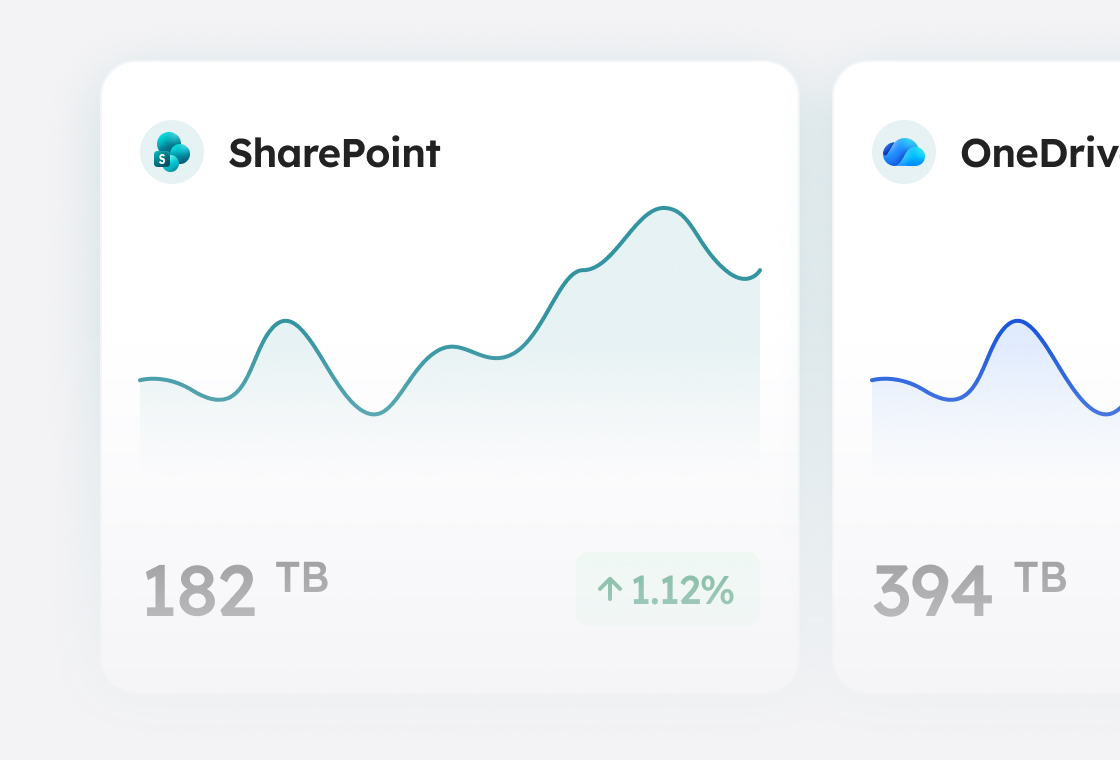
Storage trends show where sprawl is growing fastest, and where lifecycle policies pay off. - 2Step 2
Remediate
We close the highest-risk gaps before licences go live, cleaning up risky links, permissions and labels in reviewable batches.
Remediation & Setup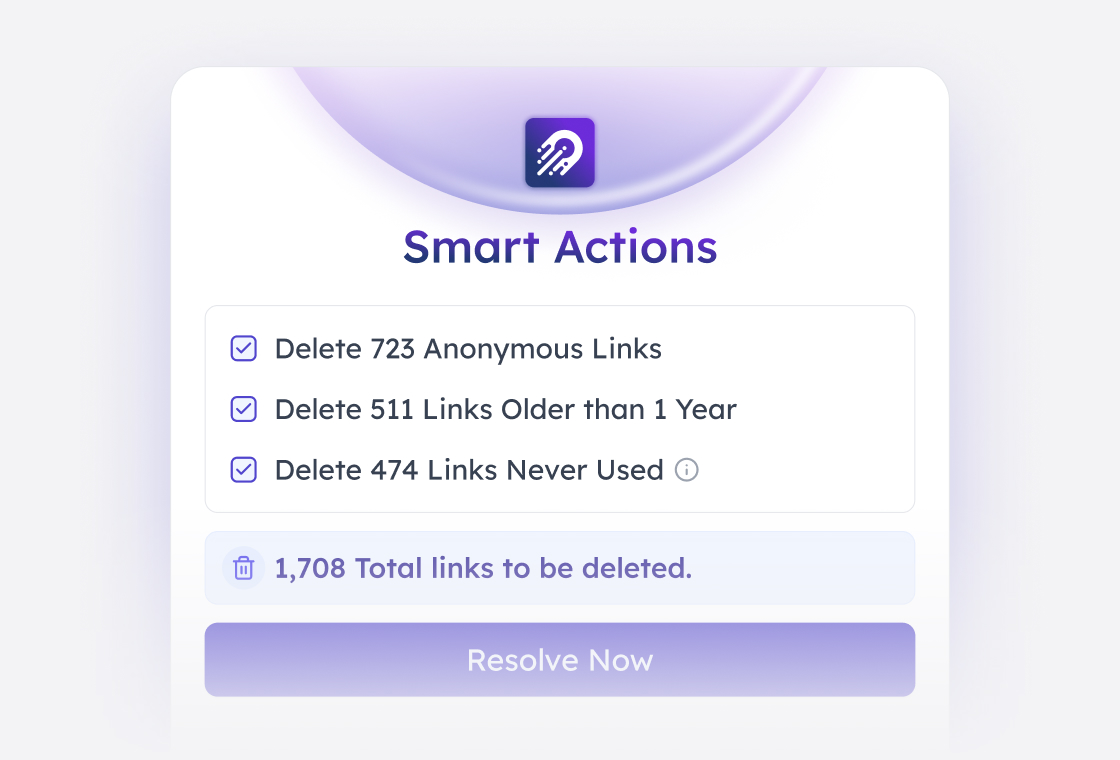
Cleanup at scale: risky sharing links resolved in a single, reviewable action. - 3Step 3
Sustain
Recurring workspace reviews go to the people who own the content, so archival, privacy, sharing links and Copilot visibility stay in check without adding tickets to your team's queue.
Managed AI Service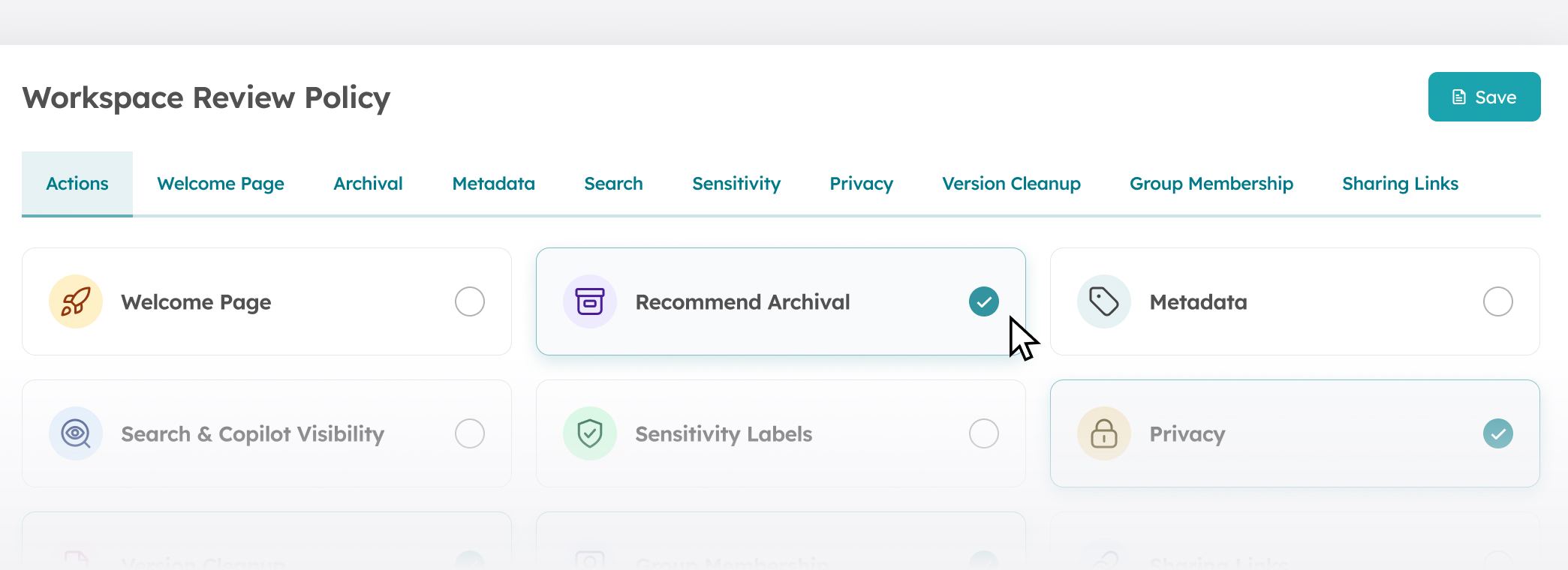
Recurring workspace reviews, delegated to content owners.
FAQ
Frequently asked questions
Book your SharePoint readiness assessment
We'll review your readiness score with you and name the first fixes we'd make. Assessment and report within 3 weeks.